
In this article:
Why your Azure DevOps flows seem slow
Unito flows that connect Azure DevOps (ADO) with other tools are limited to two requests per second per ADO credential. That means if you’re using the same ADO credentials for multiple flows, these requests are spread out over all your flows. When you’re running a single flow, you might not notice this limit. But you will with even just a few flows. This might look like flows getting stuck or configuration changes taking time to load.
Bottom line: if your ADO flows seem to be struggling, this limit might be the reason why.
How to keep Azure DevOps flows running smoothly
You can keep ADO flows running smoothly by using a different ADO user for each flow you build. This means the two requests per second limit applies to each flow individually, preventing slowdowns and throttling.
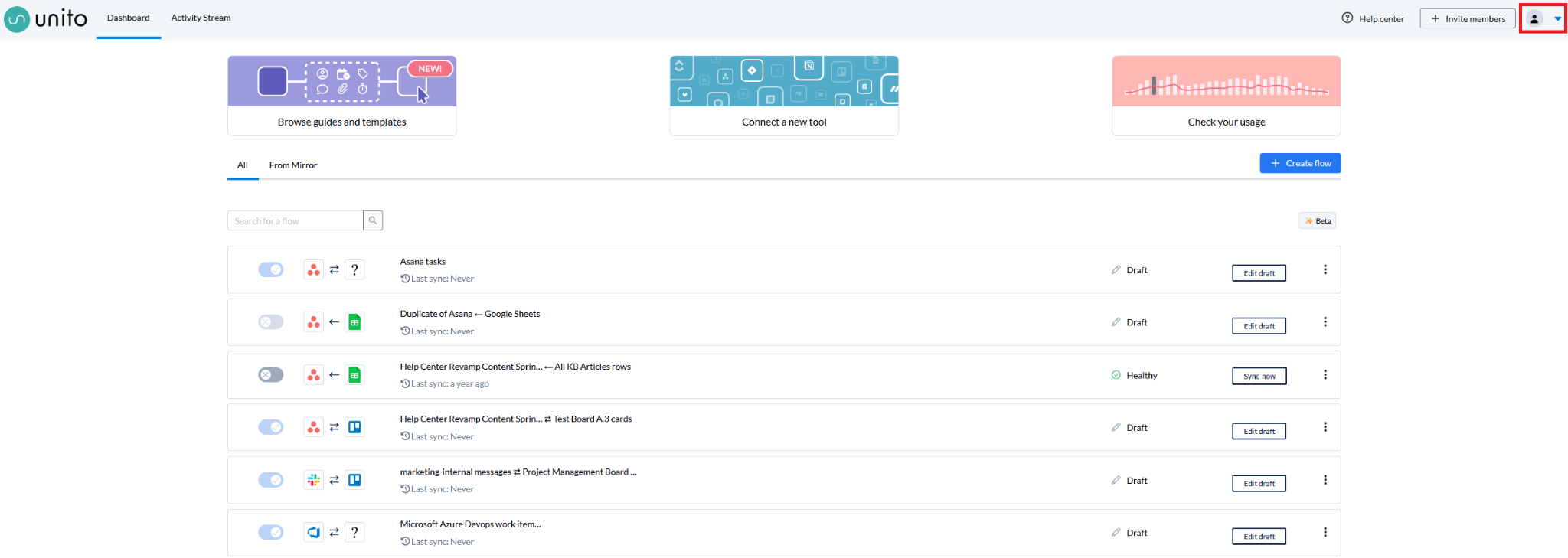
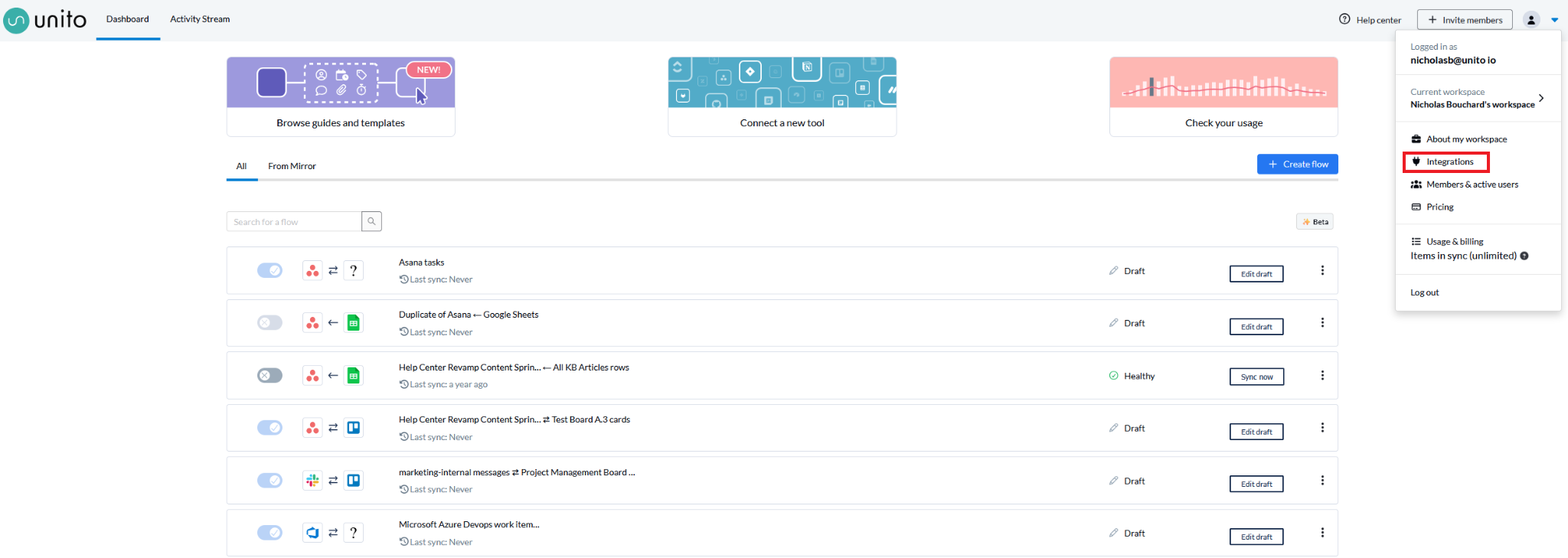
You can add more credentials to your Unito workspace by clicking the dropdown at the top-right of your dashboard then clicking on Integrations.
From there, scroll down the list of integrations until you find Microsoft Azure DevOps and click Connect account. Follow the steps from there to connect a different ADO account to Unito.

If you need to add more people to your Unito workspace to delegate flow creation and management to, consult our guide here.